> ## Documentation Index
> Fetch the complete documentation index at: https://docs.beyondwords.io/llms.txt
> Use this file to discover all available pages before exploring further.
# Custom
> Launch direct ads with BeyondWords
## Overview
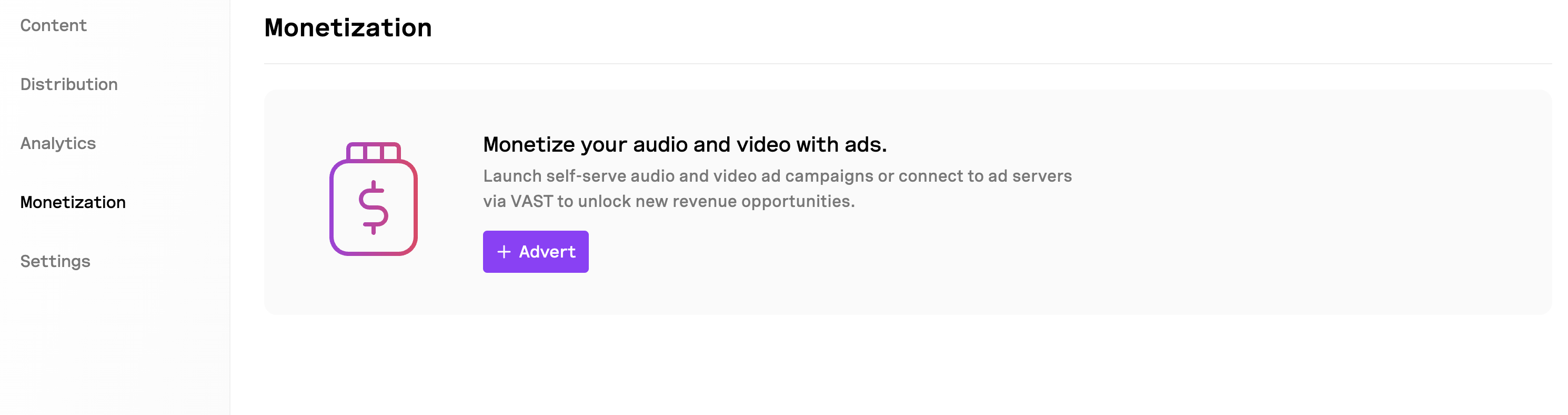
Use Custom ads to upload, launch, and track your own ads. You can launch both audio and video ads.
 Audio ads will play on audio articles or summaries. Video ads will play on video articles or summaries.
## Create a Custom ad
To create a Custom ad:
1. Go to **Project > Monetization**.
2. Click **+ ad**.
3. Select **Custom**.
4. Upload the audio or video ad.
5. Enter a name for the ad. This will be visible to users.
6. Set the ad placement: pre-roll, mid-roll, or post-roll.
7. Set the ad schedule (optional).
8. Add a companion URL (optional). This will be a clickable link shown to users when the ad plays.
9. Add a companion image (optional). This will be a clickable image shown to users when the ad plays.
10. Customize the player appearance (optional). You can customize the player appearance to match the ad.
11. Click **Save changes**.
## Enable or disable a Custom ad
To enable or disable a Custom ad:
1. Go to **Project > Monetization**.
2. Toggle the ad to **Enabled** or **Disabled**.
## Edit a Custom ad
To edit a Custom ad:
1. Go to **Project > Monetization**.
2. Click the ad you want to edit.
3. Click the **⋯** button.
4. Select **Edit**.
5. Make the necessary changes.
6. Click **Save changes**.
## Delete a Custom ad
To delete a Custom ad:
1. Go to **Project > Monetization**.
2. Click the ad you want to edit.
3. Click the **⋯** button.
4. Select **Delete**.
## Ad metrics
BeyondWords tracks the following metrics on a per-ad basis. The metrics are updated every few minutes.
### Plays
The number of times an ad was played. We count one play per user session.
### Completion rate
The percentage of ad plays that reached completion. We calculate this as Completions divided by Plays.
### Completions
The number of ad plays that reached completion. We count this when the ad finishes playing.
### Click-through rate
The percentage of ad plays that resulted in clicks. We calculate this as Click divided by Plays.
### Clicks
The number of times an ad was clicked. We count one click per user session.
## Filter metrics
You can filter the ad metrics by the following:
* **Content type**: Articles or Summaries
* **Device**: Desktop, Mobile (web), Tablet (web), iOS (SDK), Android (SDK)
* **Date range**: All time, Month to date, Today, Yesterday, Last 7 days, Last 14 days, Last 30 days, Last 90 days, Last 180 days, Custom
Audio ads will play on audio articles or summaries. Video ads will play on video articles or summaries.
## Create a Custom ad
To create a Custom ad:
1. Go to **Project > Monetization**.
2. Click **+ ad**.
3. Select **Custom**.
4. Upload the audio or video ad.
5. Enter a name for the ad. This will be visible to users.
6. Set the ad placement: pre-roll, mid-roll, or post-roll.
7. Set the ad schedule (optional).
8. Add a companion URL (optional). This will be a clickable link shown to users when the ad plays.
9. Add a companion image (optional). This will be a clickable image shown to users when the ad plays.
10. Customize the player appearance (optional). You can customize the player appearance to match the ad.
11. Click **Save changes**.
## Enable or disable a Custom ad
To enable or disable a Custom ad:
1. Go to **Project > Monetization**.
2. Toggle the ad to **Enabled** or **Disabled**.
## Edit a Custom ad
To edit a Custom ad:
1. Go to **Project > Monetization**.
2. Click the ad you want to edit.
3. Click the **⋯** button.
4. Select **Edit**.
5. Make the necessary changes.
6. Click **Save changes**.
## Delete a Custom ad
To delete a Custom ad:
1. Go to **Project > Monetization**.
2. Click the ad you want to edit.
3. Click the **⋯** button.
4. Select **Delete**.
## Ad metrics
BeyondWords tracks the following metrics on a per-ad basis. The metrics are updated every few minutes.
### Plays
The number of times an ad was played. We count one play per user session.
### Completion rate
The percentage of ad plays that reached completion. We calculate this as Completions divided by Plays.
### Completions
The number of ad plays that reached completion. We count this when the ad finishes playing.
### Click-through rate
The percentage of ad plays that resulted in clicks. We calculate this as Click divided by Plays.
### Clicks
The number of times an ad was clicked. We count one click per user session.
## Filter metrics
You can filter the ad metrics by the following:
* **Content type**: Articles or Summaries
* **Device**: Desktop, Mobile (web), Tablet (web), iOS (SDK), Android (SDK)
* **Date range**: All time, Month to date, Today, Yesterday, Last 7 days, Last 14 days, Last 30 days, Last 90 days, Last 180 days, Custom